
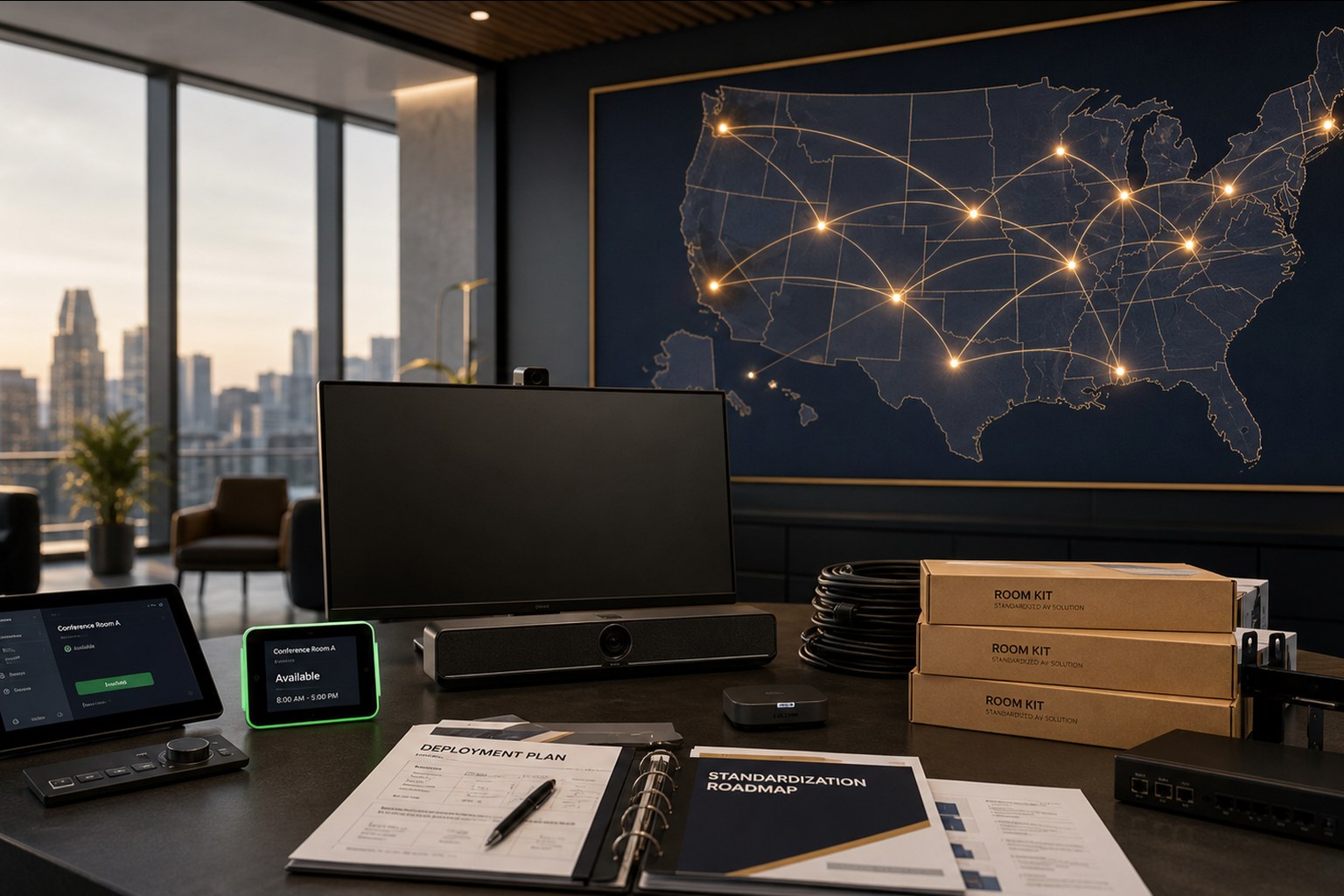
Multi-site meeting room standardization is the highest-leverage move an IT or workplace technology team can make. Done right, it reduces user-generated AV tickets by 60–80%, slashes refresh costs, and makes every room predictable for employees who travel between offices. Done wrong, it produces a half-standardized fleet that is harder to support than the snowflakes it replaced.
This is the playbook we use to run enterprise room rollouts across real estate portfolios of 25 sites and up — the same program we run for nationwide Microsoft Teams Rooms deployment and as a nationwide Zoom Rooms integrator from our Troy, MI headquarters. It is opinionated on purpose — every rule below exists because skipping it has burned a customer.
Step 1 — Define a room-type catalog
Pick 3–4 room types and force every space at every site to map to one of them. Resist the urge to add a fifth type for one VP, one training need, or one strange floor plan — that fifth type is how fleets drift back into snowflakes.
| Type | Capacity | Primary use | Typical hardware shape |
|---|---|---|---|
| Huddle | 2–4 | Focus calls, quick syncs, BYOD | All-in-one video bar, single 55" display |
| Standard | 6–8 | Team meetings, customer calls | Smart camera/speakerbar, dual 65" displays, touch controller |
| Boardroom | 10–16 | Executive, customer-facing | PTZ + speaker tracking, dual 86" displays, DSP + ceiling mic |
| Training / Divisible | 20–60 | Training, town halls, all-hands | Multi-zone audio, divisible logic, distributed displays |
Step 2 — Lock the bill of materials per room type
One bill of materials per room type. Same camera, same display, same controller, same DSP if applicable. Same firmware baseline. Same room-PC image if Windows-based. This single decision drives everything downstream: warehouse staging, spares, field labor, training, monitoring, and refresh.
- Document the BOM in a controlled spreadsheet with part numbers, firmware versions, and configuration values.
- Pin firmware versions explicitly. Floating firmware is the silent killer of a standardized fleet.
- Build a configuration template per platform (MTR or Zoom Rooms) so every room gets the same admin password, the same monitoring agent, and the same scheduled reboot window.
- Treat exceptions as governance events — they require an exception ticket, an owner, and a sunset date.
Step 3 — Warehouse-stage every rack
Build, configure, and QC every rack in a controlled environment before it ships to site. The goal is that the site visit is purely physical work — mount, plug, terminate, test — never configuration work. This is what cuts site-time from three days to one and what eliminates 'mystery room' tickets six months later.
- Receive hardware into a warehouse staging bay organized by room type.
- Apply firmware, configuration, monitoring agent, and admin credentials.
- Power-on test every endpoint against the target platform (MTR or Zoom Rooms) with a recorded test meeting.
- Label every cable, port, and device with the room and site ID.
- Photograph the staged rack, generate an as-built document, and ship as a kit to site.
Step 4 — Single program manager, waved deployment
One program manager owns the schedule, the risk register, and the weekly status report. Sites deploy in waves of 5–10 per month so problems surface early and do not compound. Trying to deploy 40 sites in parallel with no PM is the most expensive way to discover that your low-voltage subcontractor cannot keep up.
- Waved deployments: 5–10 sites per wave, 4 weeks per wave is a healthy default.
- Site readiness checklist completed before any kit ships: cabling, power, displays, mounts, network drops.
- Weekly burn-down: sites complete, sites in flight, sites blocked, risks tracked.
- Single field-services partner with W-9'd technicians coast to coast, not a different installer per region.
Step 5 — Cut to managed support on day one
Every completed room enters managed meeting room support the day it goes live. No support gap, no warranty confusion, no orphaned spaces. Monitoring agents are already installed during staging; the cutover is a flip in the management portal, not new field work. Fixed Momentum room packages make this even cleaner because the BOM and monitoring profile are already known on day one, and our Microsoft Teams Rooms practice runs the same playbook for MTR-first fleets.
- Proactive monitoring catches most issues before users open a ticket.
- A single help desk number across every site — your IT team is not the AV escalation path.
- Quarterly business reviews report uptime, ticket volume, root-cause categories, and refresh planning.
- Lifecycle tracking so the entire fleet is refreshed on a planned cadence, not reactively.
Step 6 — Govern the standard over time
A standardized fleet only stays standardized with explicit governance. Without it, every quarter introduces a new exception and three years later you are back to snowflakes.
- Quarterly BOM review: do we change the standard, or stay the course?
- Annual firmware uplift: move the entire fleet together to a tested baseline.
- Two-year refresh model: roughly a third of the fleet rolls each year on a planned cadence.
- Single source of truth for room inventory — usually the managed-support portal, not a stale spreadsheet.
For a real-world example of an evolving standard, see our nationwide AV modernization case study, where a multi-office program moved from Crestron BYOD environments to Logitech and Microsoft Teams Rooms.
Standardization BOM checklist
The BOM is the standard. Everything downstream — spares, training, monitoring, refresh — hangs off it. This is the checklist we run against every enterprise BOM before a fleet ships. Categories in italics are the ones teams most often forget until wave 2 or wave 3, when the miss becomes expensive.
| Category | What to lock | Why it matters |
|---|---|---|
| Compute | MTR-on-Android appliance or Windows MTR SKU + firmware baseline | Determines management plane, patch cadence, and Intune eligibility. |
| Display | Panel model, size per room type, mount type, orientation | Drives cable schedule, wall/millwork detail, and spares depth. |
| Camera | Sensor model + firmware, mount height, PTZ vs. fixed per room type | Every camera swap in the fleet is a truck roll if this is not standardized. |
| Audio | Mic type (ceiling / table / bar), DSP model, speaker layout by room size | Meeting room standardization dies fastest on audio — no exceptions here. |
| Cable management | Cable spec (HDMI active vs. passive, USB extenders), lengths, labeling scheme | Cheap category; largest source of Tier-1 tickets when skipped. |
| Mounts | Display mounts, camera mounts, tabletop cable well, floor box | Locks the physical install pattern so a tech from any market can build the room. |
| Control | Touch controller model + firmware, scheduling display model | Users judge the whole room by the controller — do not mix models across a fleet. |
| Network | DSCP tags / VLANs, static reservations, MAC allow-list per site | Media QoS is the difference between a room that works at 9:00 AM Monday and one that does not. |
| Naming & inventory | Room naming convention, calendar mailbox pattern, asset-tag format | The single source of truth downstream monitoring, reporting, and refresh planning depend on. |
| Spares | Per-region spares depth by category, refresh threshold | The BOM is not real until spares are stocked to match it. |
90 / 180 / 365-day rollout cadence
A real multi-site program has a rhythm. This is the cadence we run against for a 25–75 site portfolio. Pull the milestones forward or back for smaller/larger footprints, but keep the shape.
| Milestone | Day 90 | Day 180 | Day 365 |
|---|---|---|---|
| Standards | Room-type catalog + BOM v1 signed off; pilot rooms live at HQ | BOM v1.1 revised from pilot learnings; governance model in effect | Annual BOM review complete; v2 planned for next fiscal |
| Deployment | Wave 1 (5–10 sites) complete; warehouse staging in steady state | Waves 2–4 complete; ~25–40 sites live | Bulk of fleet live; long-tail sites and exceptions closed out |
| Support | Managed support onboarded for wave 1 rooms; monitoring baseline established | Help-desk metrics visible in QBR; MTTR trending down wave over wave | Full fleet under managed support; refresh calendar built off inventory of record |
| Reporting | First weekly burn-down and risk register in operation | First quarterly business review with the customer executive sponsor | Year-end review; ticket volume, uptime, and TCO baselined for year two |
Programs that miss day-90 rarely recover the year. If wave 1 is not physically installed and cut into managed support within the first quarter, the standards discussion reopens and the fleet drifts. That is the single most reliable predictor of a standardization program that will not deliver.
Standardization vs. custom AV — when each wins
Standardization is not the right answer for every space, and pretending it is will get you overruled by an executive sponsor at the wrong moment. Use this to decide honestly, room by room.
| Room type | Standardize | Custom design |
|---|---|---|
| Huddle / 4-person | Always. All-in-one bar + one display is a solved problem. | Never — this is where custom bleeds money. |
| Standard conference (6–10) | Always. This is where standardization returns the most. | Only for a handful of exec spaces with cameo requirements. |
| Boardroom (12–16) | Standardize the bones (compute, control, DSP, camera family); allow finish/millwork variance. | Custom is fine for one flagship board space if the executive team owns the cost. |
| Training / divisible | Standardize the modular kit; parameterize the divisible logic. | Custom is legitimate here — divisible rooms are a design problem, not a BOM problem. |
| Town hall / auditorium | Do not force it. Standard AV cannot cover these spaces. | Custom every time — treat as a separate project track. |
| Studio / broadcast | Never. Broadcast has different physics and different vendors. | Custom every time; a broadcast integrator, not the workplace AV team. |
The rule of thumb: standardize 85–95% of the meeting-room fleet, and design the remaining 5–15% as one-off town hall, auditorium, and broadcast projects with their own budget line. Trying to standardize the last 5% is where good programs go bad.
What good looks like 12 months in
- 60–80% reduction in user-generated AV tickets vs. pre-standardization baseline.
- Mean time to resolve room issues under 30 minutes, most resolved without a truck roll.
- Predictable per-room operating cost, baked into the workplace OpEx model.
- Roadmap visibility for the next refresh cycle — no surprise capital asks.
Frequently asked questions
How long does it take to standardize 25 sites?
A typical 25-site program runs 8–12 months end to end: 6–8 weeks of design and BOM lock, 4–6 weeks of warehouse staging, then 4–6 monthly waves of 5–10 sites each. Larger footprints scale by adding more parallel field crews, not by adding more PMs.
What if a site insists on a non-standard room?
Treat it as a governance exception, not a quiet one-off. Document the requirement, get an owner, set a sunset date, and price the exception so the business unit feels the real cost. Most exceptions evaporate when the cost is visible.
Do we need to refresh all rooms to the same hardware on day one?
No. Most enterprises adopt the standard for new rooms immediately and refresh existing rooms onto the standard as they hit end-of-life. A full fleet alignment typically happens over 24–36 months.
Who owns the room-type catalog after rollout?
The workplace technology or end-user computing team, with input from the AV integrator. The integrator should publish a recommended baseline and BOM each year; the customer signs off on changes.
Can we standardize across both Teams Rooms and Zoom Rooms?
Yes — pick the same hardware vendor and the same physical BOM, and let the platform be a firmware/configuration toggle. Spares and field labor stay simple, and a future platform consolidation becomes a software project, not a hardware project.
How do you standardize meeting rooms across sites without breaking on the first exception?
The trick is governance, not engineering. Publish a room-type catalog, lock a BOM per type, and require any exception to carry an owner, an incremental cost, and a sunset date. When exceptions cost the requesting business unit real money, most disappear. The 5–15% of spaces that truly need a custom design get treated as separate projects rather than being forced through the meeting-room standard.
What actually counts as a 'meeting room standard'?
A meeting room standard is three artifacts: (1) a room-type catalog that names every room shape you support, (2) a locked bill of materials per room type down to firmware and cable spec, and (3) a governance model that says who can change either of the first two and how often. Without all three you have preferences, not a standard.
How much do AV tickets actually drop after standardization?
In portfolios where the BOM is truly locked and every room is under managed support from day one, we consistently see a 60–80% reduction in user-generated AV tickets against the pre-standardization baseline. Mean time to resolve typically drops under 30 minutes because the help desk sees the same three room types repeatedly instead of a snowflake per site.
When does meeting room standardization lose to a custom AV design?
Town halls, auditoriums, divisible training spaces, and any broadcast/studio room. These have different acoustics, different display physics, and different vendor ecosystems. Standardize the 85–95% of the fleet that is huddle / standard / boardroom, and treat the rest as bespoke projects with their own budget.