
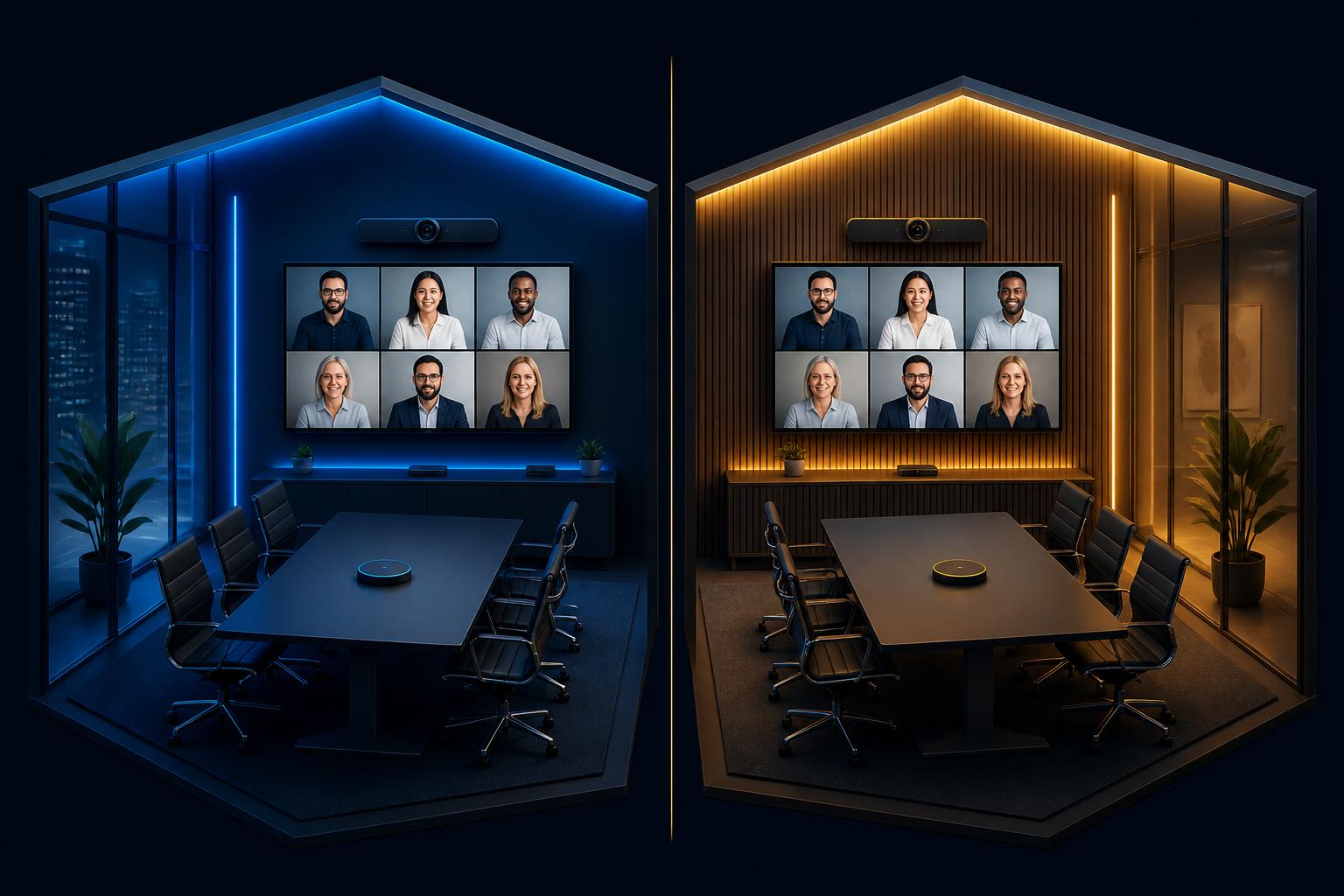
If you are standardizing meeting rooms in 2026, the choice almost always comes down to Microsoft Teams Rooms (MTR) or Zoom Rooms. Both platforms are mature, both run on similar certified hardware, and both will work in any space from a 2-person huddle to a 16-person boardroom. The decision usually hinges on the unified communications platform your organization already uses every day — but there are real differences in licensing, device management, hardware paths, and long-term cost that are worth modeling before you commit a fleet.
This guide is written for IT and workplace technology leaders who need to make a defensible recommendation to a CFO, CIO, or steering committee. It is based on what we deploy and support every week as a certified Microsoft Teams Rooms and Zoom Rooms integrator across Metro Detroit and nationwide.
Licensing at a glance
Both platforms charge a per-room subscription for the management plane that turns a meeting-room device into a managed, calendar-aware endpoint. The user licenses your employees already have do not cover the room itself.
| Platform | License | List price / room / mo | What it includes |
|---|---|---|---|
| Microsoft Teams Rooms | Teams Rooms Pro | $40 | Device management, advanced meeting features, intelligent audio/video, Intune-based policy, telemetry |
| Microsoft Teams Rooms | Teams Rooms Basic | $0 (limited to 25 rooms) | Basic join experience, no advanced management — typically only useful for very small orgs |
| Zoom Rooms | Zoom Rooms license | $49 | Device management, scheduling display, digital signage, intelligent director, smart gallery |
For a 50-room fleet, the difference between Teams Rooms Pro and a Zoom Rooms license is about $5,400 per year. That is real money, but it is a small fraction of the labor and hardware you will spend deploying and supporting those rooms. Do not let licensing drive the decision — let user behavior drive it.
Certified hardware paths
Both platforms certify the same major OEMs — Logitech, Poly, Yealink, Crestron, and Neat — and most certified video bars and codecs can be re-imaged between Teams Rooms and Zoom Rooms with a firmware change. That portability used to be a hedge; in 2026, it is the assumed baseline.
Microsoft Teams Rooms
- MTR on Android — appliance-style, lowest IT overhead, ideal for standardized huddle and small/medium rooms (Logitech Rally Bar, Poly Studio X, Neat Bar Pro, Yealink MeetingBar).
- MTR on Windows — full Windows device, deeper customization, supports complex DSP rooms and custom touch-controller workflows (Logitech Tap + compute, Crestron Flex, Lenovo ThinkSmart).
- Teams Rooms Pro management portal for fleet-wide health, configuration, and policy.
- Intune and Autopilot enrollment for full device lifecycle management.
Zoom Rooms
- Zoom Rooms appliances — appliance-style, lowest IT overhead (DTEN, Neat, Poly Studio X, Logitech Rally Bar in Zoom mode).
- Zoom Rooms for Windows or macOS — runs on a NUC, Mac mini, or similar compute, paired with certified peripherals.
- Zoom Device Management for fleet-wide configuration, health, and firmware.
- Workspace Reservation and digital signage included in the room license.
Management and monitoring
This is where most fleets diverge in practice. Teams Rooms Pro lives inside the Microsoft 365 admin console and integrates with Intune, Entra ID conditional access, and Defender. Zoom Rooms management lives inside the Zoom admin portal with its own role model and policy framework. If your IT team is already deep in Microsoft 365, MTR will feel native. If your organization is Zoom-first or runs a multi-cloud admin stack, Zoom Rooms will feel just as native.
| Capability | Teams Rooms Pro | Zoom Rooms |
|---|---|---|
| Fleet health dashboard | Teams admin center + Teams Rooms Pro portal | Zoom Device Management |
| Policy and configuration | Intune + Teams admin center | Zoom admin portal + tagged configurations |
| Identity and conditional access | Entra ID, native | Zoom SSO, supports Entra / Okta / Google |
| Third-party monitoring | Vyopta, Insite, IR Collaborate, Lightware | Vyopta, Insite, IR Collaborate |
| Out-of-band reboot / recovery | Yes, OEM-dependent | Yes, OEM-dependent |
Interop and guest join
Both platforms have solved third-party guest join. MTR rooms can join Zoom and Webex meetings via the native Direct Guest Join experience, and Zoom Rooms can join Teams and Webex meetings the same way. SIP/H.323 interop is available on both for legacy video endpoints. In 2026, interop is not a tiebreaker — both platforms can host guests from the other side without compromise.
Security and compliance
- Both platforms encrypt media in transit and support end-to-end encryption for sensitive meetings.
- Both support SSO via SAML/OIDC and integrate with Entra ID, Okta, Google Workspace, and Ping.
- Both publish SOC 2 Type II, ISO 27001, and HIPAA BAA coverage.
- MTR inherits Microsoft 365 compliance and data residency controls — usually the deciding factor in heavily regulated environments already standardized on M365.
- Zoom Rooms inherits Zoom platform controls, including customer-managed encryption keys for enterprise tiers.
Total cost of ownership
Hardware costs are essentially identical for equivalent rooms — a Logitech Rally Bar costs the same whether it boots into Teams or Zoom. Install labor is identical. Cabling, displays, and room electrical are identical. The real TCO difference shows up in two places: your IT team's time, and the rate at which your fleet drifts from the standard.
Where MTR usually wins
- Your users live in Teams already — chat, calls, meetings, files.
- Your devices are already managed by Intune.
- You need tight conditional-access and Defender integration.
- You want one identity, policy, and compliance surface for both endpoints and rooms.
Where Zoom Rooms usually wins
- Your users live in Zoom for meetings, even if email is Microsoft 365 or Google Workspace.
- You value the Zoom in-meeting experience (smart gallery, intelligent director) and want it consistent in every room.
- You operate a multi-cloud admin stack and prefer not to consolidate into M365.
- You are deploying in education, healthcare, or partner environments where Zoom is already the lingua franca.
How we recommend deciding
For a multi-site rollout, the same room standards and support handoff apply whichever platform you choose. Compare our nationwide Microsoft Teams Rooms deployment and nationwide Zoom Rooms integration approaches when planning the rollout.
- Audit where your users already meet — pull 30 days of meeting telemetry from both platforms if you run both today.
- Default to that platform unless there is a hard compliance or admin reason to switch.
- Pick 3–4 room types (Huddle, Standard, Boardroom, optionally Training/Divisible) and lock a single bill of materials per type.
- Use appliance-mode hardware (MTR-on-Android or Zoom Rooms appliances) for all standard rooms; reserve Windows or NUC builds for complex spaces.
- Cut every completed room over to managed support on day one — never let a room go live without monitoring in place.
Frequently asked questions
Can we run Microsoft Teams Rooms and Zoom Rooms in the same building?
Yes, and many enterprises do. The most common pattern is MTR for company-wide standardization and Zoom Rooms in a small number of customer-facing or partner spaces where Zoom is the expected platform. Use a single hardware vendor across both so spares and field labor stay simple.
Do I need Teams Rooms Pro or can I get by with Teams Rooms Basic?
Teams Rooms Basic is capped at 25 rooms per tenant and does not include the device management, advanced meeting features, or telemetry that make a fleet supportable. For anything beyond a handful of small rooms, plan on Teams Rooms Pro.
Are Zoom Rooms still a good choice if our email is on Microsoft 365?
Yes. Zoom Rooms integrates with Microsoft 365 calendars and Entra ID SSO. If meeting behavior is Zoom-first, splitting calendars off Microsoft 365 onto Zoom Rooms is a normal, well-supported pattern.
How fast can a standardized Teams Room or Zoom Room be deployed?
A Momentum-standard room ships from our warehouse in 5–10 business days and installs in a single day per room once cabling and display mounts are in place. Multi-site rollouts run in parallel waves so 20–50 rooms per month is a realistic pace.
What does managed support actually cover for these rooms?
Proactive monitoring of every endpoint (codec, camera, controller), a certified-engineer help desk for Tier 1/2/3 tickets, firmware lifecycle management, and an on-site SLA for hardware swaps. The goal is that your internal IT team never owns an AV ticket again.