
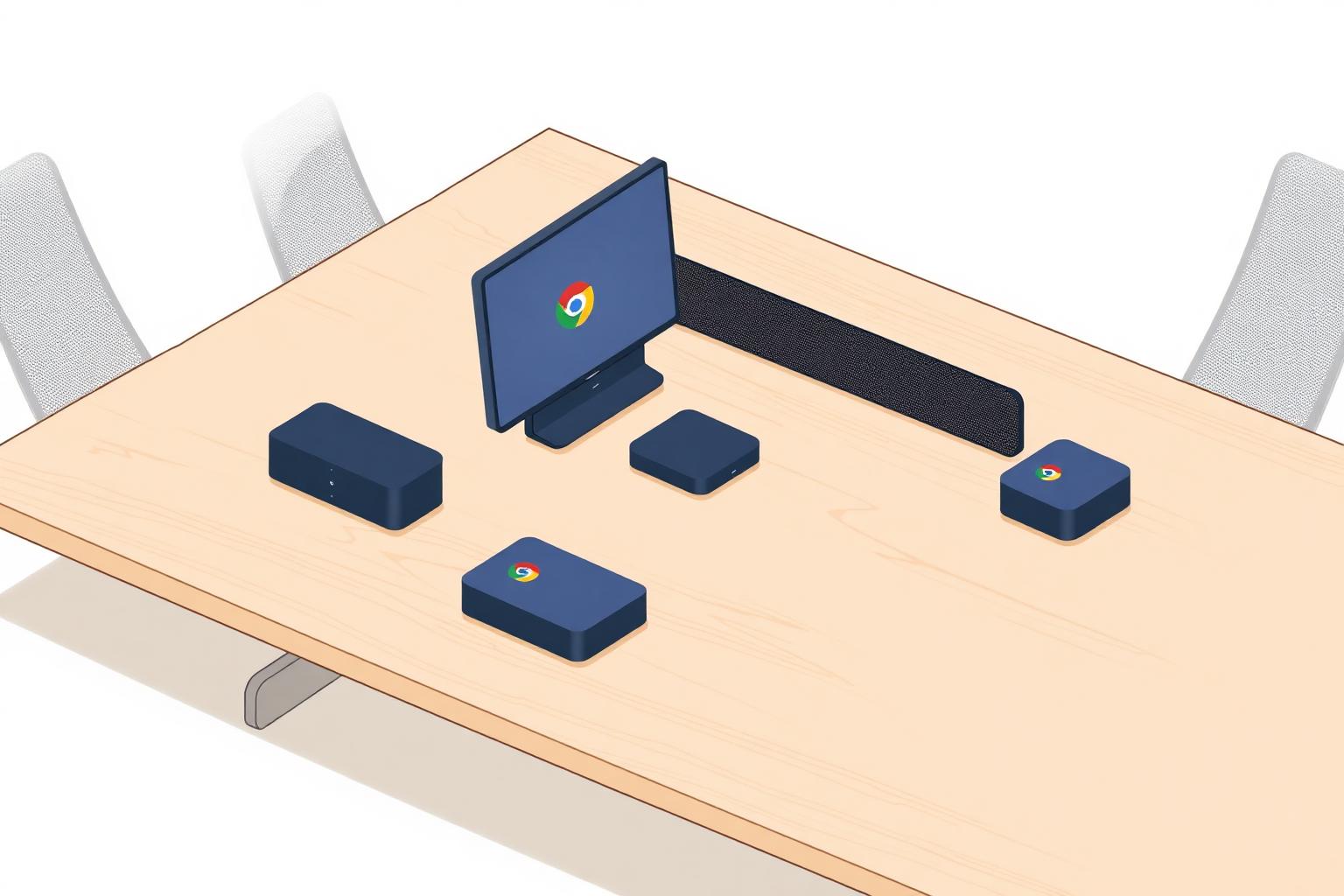
If Google Workspace is your standard and Google Meet is your meeting platform, the hardware question is which certified OEM to build your fleet on. The Meet certified device list is narrower than MTR or Zoom Rooms — Google's own Series One ChromeOS systems and certified AOSP room systems from Logitech, Poly, and Neat cover most rooms. This guide walks the compute decision first, then compares the certified OEMs the way we commission and support them across enterprise room rollouts that ship Meet, MTR, and Zoom Rooms every week.
Notes here come from field experience, not vendor decks. When we say Series One earns its price in an executive Google-first environment, it's because we've watched the Meet Compute System, Series One camera, and Series One mic pods work together in a way an appliance-mode bar can't quite match.
Related reading before you commit: our budget-per-meeting-room guide sizes total install cost by room type, and the standardizing meeting rooms across sites playbook is what we hand every multi-site customer. If you also run MTR or Zoom Rooms in the same footprint, cross-check the MTR hardware comparison and the Zoom Rooms hardware comparison so your standards align across platforms.
ChromeOS or Android (AOSP): what should buyers choose now?
Google's announcement changes the direction of new room standards, but it does not make every ChromeOS room obsolete. ChromeOS still provides the most complete Google Admin console feature set and remains a practical choice for organizations extending a known fleet or supporting specialized large rooms. Certified AOSP devices are Google's forward-looking path for broader form factors, faster hardware choice, and greater flexibility to repurpose certified devices across conferencing platforms.
| Decision factor | ChromeOS Meet hardware | Android / AOSP Meet hardware | Innovative Environments guidance |
|---|---|---|---|
| Portfolio direction | Mature installed platform with established room and peripheral support. | Google's forward-looking platform for new certified Meet room devices. | Evaluate AOSP first for a net-new room standard, then validate every required feature. |
| Support and lifecycle | Existing support schedules remain in place; recent models may be supported through September 2030. | Lifecycle and update support are tied to the certified OEM device. | Document the exact model's support date in the BOM before purchase. |
| Administration | Provides the complete Meet hardware feature and Google Admin console management set. | Provides most Meet features; some settings and peripheral management depend on the OEM tool. | Confirm who will manage firmware, settings, alerts, and device health before standardizing. |
| Room and peripheral flexibility | Strong fit when an existing design depends on ChromeOS-certified peripherals, advanced control, or a specialized large-room workflow. | Strong fit for huddle, small, and medium rooms; certified choices are expanding, with additional large-format devices planned for 2027. | Validate dual-display, microphone, camera, control-system, and large-room requirements against the exact certified configuration. |
| Cross-platform meetings | Supports approved interoperability paths for joining third-party meetings. | Certified AOSP devices can support multiple conferencing experiences; Google made Meet and Microsoft Teams interoperability generally available on supported AOSP devices in October 2026. | Treat interoperability as a validated workflow, not a substitute for choosing and managing a primary room platform. |
| Best fit | Extending a known fleet, preserving a required feature set, or buying a specialized configuration while support life is sufficient. | Most net-new standard rooms where a certified AOSP device meets every stated requirement. | Choose by room standard and lifecycle, not by operating-system label alone. |
What the 2027 ChromeOS sales dates mean
- Logitech / CTL Google Meet Compute System manufacturing and sales are scheduled to end in February 2027.
- ASUS Google Meet Compute System manufacturing and sales are scheduled to end in April 2027.
- End of sales is not the same as end of support. Google says existing ChromeOS support schedules remain unchanged, with recent models supported as late as September 2030.
- Organizations that still require a ChromeOS configuration should confirm inventory, the exact model support date, and the planned room-refresh year before purchasing.
- Google says additional Android devices intended for large-format spaces are planned for 2027, so large-room buyers should compare an immediate ChromeOS need against the timing of the new certified AOSP options.
Our recommendation for 2026–2027 projects
For most net-new huddle, small, and medium Google Meet rooms, begin with a certified AOSP shortlist and verify the required administration, display, audio, camera, and interoperability features before locking the BOM. Keep supported ChromeOS rooms in service when they remain reliable and fit the standard; there is no reason for a blanket rip-and-replace. Use ChromeOS for a new purchase only when a required feature, peripheral, fleet-consistency need, or large-room design clearly justifies it and the remaining support window aligns with the planned refresh cycle.
Integrated room system vs separate compute: pick the path first
Google's certification program covers two kinds of room systems. Certified AOSP (Android) room systems are integrated — the bar itself runs Meet. ChromeOS room systems, including Google's Series One, use a separate Meet compute device paired with certified cameras, audio, and a touch controller.
- Integrated appliance: lowest IT overhead, fastest to deploy, updates managed through the Google Admin console. Right for most standard rooms.
- Separate ChromeOS Meet compute: common for larger rooms with expansion mics or multi-camera setups where the bar alone can't cover the room.
- Google Series One is the reference implementation of the puck-based path — Meet Compute System with camera, mic pods, speaker, and touch controller.
What the appliance and the compute device each do
In an integrated AOSP room system, one device runs the Meet software, the camera processing, and the audio pipeline. In a puck-based room, the Meet compute device is the brain — it runs Meet, joins calendars, and drives the display — while the camera, mic pods, speaker, and touch controller are peripherals hanging off it. That split matters when something fails: a dead integrated bar takes the whole room down, while a puck-based room lets you swap a single peripheral without re-enrolling the room.
Management implications for IT
- Both paths enroll into the Google Admin console, so room policies, update channels, and device status live in the same place your Workspace admins already use.
- OEM appliances usually add a second management tool (Logitech Sync, Poly Lens, Neat Pulse) for firmware and peripheral health. Decide up front who owns each console so alerts don't go unwatched.
- Enrollment requires a Meet hardware license per room. Budget and track license renewals alongside the hardware refresh, not separately.
- Put Meet room devices on a network segment that allows Google's documented Meet endpoints and prioritizes real-time traffic — the same DSCP tags / VLANs planning covered in our standardization playbook.
Compatibility decisions to make before you buy
Only buy peripherals that appear on Google's current certified list for the compute device you are standardizing on, and confirm the pairing again at order time — certification lists change, and a camera or mic that works with one compute generation is not automatically supported on the next. If you need Teams or Zoom interoperability in the same room, confirm which interop method (guest join vs. native) your licensing and the device support before committing.
Lifecycle considerations
- Every certified device has a published support end date (for ChromeOS devices, the automatic update expiration). Check it before you buy — it sets the practical end of life for that room.
- In puck-based rooms, the compute device usually reaches end of support before the camera and mics. Plan a compute-only refresh rather than replacing the entire kit.
- Keep one spare compute device and one spare touch controller per region for fleets over roughly 20 rooms so a failure is a same-day swap, not a lost week.
Questions IT should confirm
- Which Google Workspace edition and Meet hardware license will each room carry, and who renews it?
- What is the published Meet support end date of the exact model being quoted?
- Is every device, camera, mic, and controller in the quote on Google's current certified list?
- Does the network allow the Meet endpoints and apply QoS to room traffic?
- Who monitors the Google Admin console and the OEM console, and who responds to alerts?
- Do any rooms need to join Teams or Zoom meetings, and how will that interop be licensed?
The certified OEMs at a glance
| OEM | Compute path | Room sizes covered | Standout kit | Management | Price band | IE take |
|---|---|---|---|---|---|---|
| Google Series One | ChromeOS + Meet compute | Small → large | Meet Compute System with Series One camera + mics | Google Admin | $$$ | Most Google-native; Meet-only |
| Logitech | Certified AOSP room system | Huddle → boardroom | Rally Bar family for Meet | Logitech Sync + Google Admin | $$–$$$ | Broadest lineup |
| Poly (HP) | Certified AOSP room system | Huddle → medium/large | Current supported Studio X models (e.g. X32 / X52 / X72) — verify on list | Poly Lens + Google Admin | $$ | Best audio per dollar |
| Neat | Certified AOSP room system | Huddle → boardroom | Bar / Bar Pro / Board in Meet mode | Neat Pulse + Google Admin | $$–$$$ | Best design; Meet mode is fully supported |
Certification and support status change over time. Verify the current Google Meet hardware certification list before procurement.
Google Series One
Strengths
- Most Google-native experience — the reference implementation of Meet hardware.
- Meet Compute System, Series One camera, Series One mic pods, and Series One touch controller are engineered together as one kit.
- Managed entirely from the Google Admin console; no third-party management pane required.
- One vendor for compute, camera, audio, and controller simplifies support ownership.
Weaknesses
- Meet-only — no path to MTR or Zoom Rooms if the platform changes later.
- Higher cost than appliance-mode bars for equivalent rooms.
- Larger bill of materials (compute + camera + mics + speaker + controller) vs. an all-in-one bar.
Best-fit rooms
Organizations fully committed to Google Workspace + Meet where the room 'reading' as Google-native matters, and larger rooms that benefit from separate mic pods and a dedicated camera.
How Series One fits a standard
Series One is a component system, not a single bar, so it behaves like a small integrated room: the compute device, camera, mic pods, speaker, and controller each have a placement and cabling decision. That gives larger rooms better mic coverage than a single bar can offer, but it also means the install needs real room planning — table mic positions, camera height, and cable paths — rather than a wall mount and a network drop.
- Management: everything enrolls in the Google Admin console, which keeps a Workspace-only IT team in one pane.
- Compatibility: expansion components must be the ones Google lists for that system. Confirm quantities and part numbers against the current certified list at order time.
- Lifecycle: check support and availability status for every component before standardizing, and hold spares for the parts most likely to fail or be damaged (controllers, mic pods).
- Platform lock-in: Series One is Meet-only. If a merger or platform change is realistic within five years, an OEM appliance family with a documented, model-specific platform option may be the safer standard — confirm the exact SKU and supported conversion path first.
Logitech
Strengths
- Widest certified lineup for Meet — Rally Bar Huddle, Mini, and Rally Bar all ship with Meet mode.
- Some Logitech appliance families offer model- and firmware-specific platform options; confirm the exact SKU and supported conversion path before purchase.
- Logitech Sync gives fleet-wide health, tags, and firmware rings alongside your other Logitech gear.
- Broadest accessory ecosystem — mic pods, expansion cameras, Tap controllers.
Weaknesses
- Meet mode features occasionally trail MTR/Zoom feature parity by a release or two.
- Rally Bar Huddle audio pickup falls off past 8 feet — don't push it into small rooms because a spec sheet says it fits.
Best-fit rooms
Huddle through boardroom. Safe default when you want one OEM across a fleet that may include Meet, Teams, and Zoom rooms.
Poly (HP)
Strengths
- Best audio per dollar at each size tier — Poly's DSP heritage carries into Meet mode.
- Current Studio X models (such as X32, X52, and X72) span huddle through larger rooms — match the model to actual room size and the current certified list.
- Poly Lens management is clean and stable.
- Google documents certified HP/Poly devices paired with Logitech Tap IP as supported; confirm the controller included with or supported by the exact room system.
Weaknesses
- Google's published Meet support for Studio X30, X50, and X70 ended in July 2026 — do not build a new standard on those models.
- No BYOD or compute-puck path.
Best-fit rooms
Huddle through medium rooms, using a currently supported Studio X model sized to the room, where audio fidelity matters and the room fits a single all-in-one bar.
Neat
Strengths
- Best industrial design in the category — Neat rooms feel premium in Meet mode too.
- Clean, simple end-user experience; confirm the room-control option included with or supported by the exact certified Meet configuration.
- Neat Pulse adds real telemetry: occupancy, humidity, CO₂, sound level.
- Some Neat devices offer model- and firmware-specific platform options; confirm the exact SKU and supported conversion path before purchase.
Weaknesses
- Typically priced at a premium to comparable Poly options.
- Narrow accessory ecosystem — use Neat kit, not third-party mics or cameras.
Best-fit rooms
Executive and customer-facing Meet rooms where the room 'reads' as premium. Common choice when workplace experience is a stated priority.
Cost bands by room size
| Room type | Typical seats | Hardware range | Common OEMs |
|---|---|---|---|
| Huddle / focus | 2–4 | $3,500 – $6,000 | Rally Bar Huddle, current supported Poly Studio X model |
| Small | 5–6 | $6,000 – $9,500 | Rally Bar Mini, Poly X52, Neat Bar |
| Medium | 7–10 | $9,000 – $16,000 | Rally Bar, Poly X52, Neat Bar Pro, Series One kit |
| Large | 11–16 | $16,000 – $30,000 | Rally Bar + ext. mics, Neat Bar Pro, Series One with mic pods |
| Boardroom / multi-camera | 16–24 | $40,000 – $100,000+ | Series One + expansion mics + PTZ, custom Meet compute build |
Standardizing across a fleet
As with MTR and Zoom, the biggest TCO win in a Google Meet fleet is standardizing on 3–4 room types with one OEM per type. A Google-first organization running Series One in flagship rooms and appliance-mode bars in the rest is a common, low-drama pattern we deploy often. Our multi-site standardization playbook covers the governance model, our enterprise room rollouts service handles the deployment, and managed meeting room support keeps the standard intact after handoff. If you also run MTR or Zoom Rooms in the same footprint, cross-check the MTR hardware comparison and the Zoom Rooms hardware comparison so your room templates align.
Frequently asked questions
Which Google Meet OEM is cheapest?
It depends on room size and the exact models on Google's current certified list. Series One is typically the highest-cost option; we quote comparable certified kits side by side so you can compare.
Do I need a separate ChromeOS compute puck?
Not for most rooms. Certified AOSP room systems from Logitech, Poly, and Neat run Meet on the bar itself. Separate Meet compute is used by ChromeOS room systems such as Series One and some larger multi-camera rooms.
Can I mix OEMs in one Meet fleet?
Yes. A common pattern is Series One in flagship rooms and appliance-mode bars from Logitech or Poly in the rest of the fleet.
Can Google Meet hardware run Microsoft Teams Rooms or Zoom Rooms later?
Some appliance families offer model- and firmware-specific platform options; confirm the exact SKU and supported conversion path with the OEM before purchase. Google Series One is Meet-only.
Do I need a touch controller in every Meet room?
Dedicated Google Meet rooms may use a certified touch controller, an integrated touchscreen, or, for certain ChromeOS configurations, a supported remote. The controller must be included with or explicitly supported by the selected Google-certified room system. Teams and Zoom controllers should never be assumed to work with Google Meet.
Who installs and supports Meet rooms nationwide?
We do. Innovative Environments is a certified Google Meet hardware integrator with a 49-state install and managed-support footprint. One integrator, one SLA, one help desk across every site.
Is Google discontinuing ChromeOS Google Meet room hardware?
Google is shifting the future Meet hardware portfolio toward Android AOSP, but it has not announced an immediate shutdown of installed ChromeOS rooms. Existing support schedules remain unchanged, and recent ChromeOS models may remain supported through September 2030. Manufacturing and sales for the Logitech / CTL compute system are scheduled to end in February 2027, followed by the ASUS compute system in April 2027.
Should we still buy ChromeOS Google Meet hardware in 2026?
Only when the exact ChromeOS configuration solves a requirement that the current certified AOSP options do not, or when matching an existing fleet provides a meaningful operational benefit. Confirm inventory, the model-specific support date, and the planned room-refresh year first. For most net-new standard rooms, we recommend evaluating certified AOSP devices before approving another ChromeOS purchase.
Do Android AOSP Google Meet devices have every ChromeOS feature?
No. AOSP devices provide the core Meet room experience and most management capabilities, but some Google Admin settings, peripheral functions, display limits, and advanced room features can differ by device and OEM. Validate the exact certified configuration rather than assuming platform-wide feature parity.